Checkeeper Account Feature: Gusto for Payroll
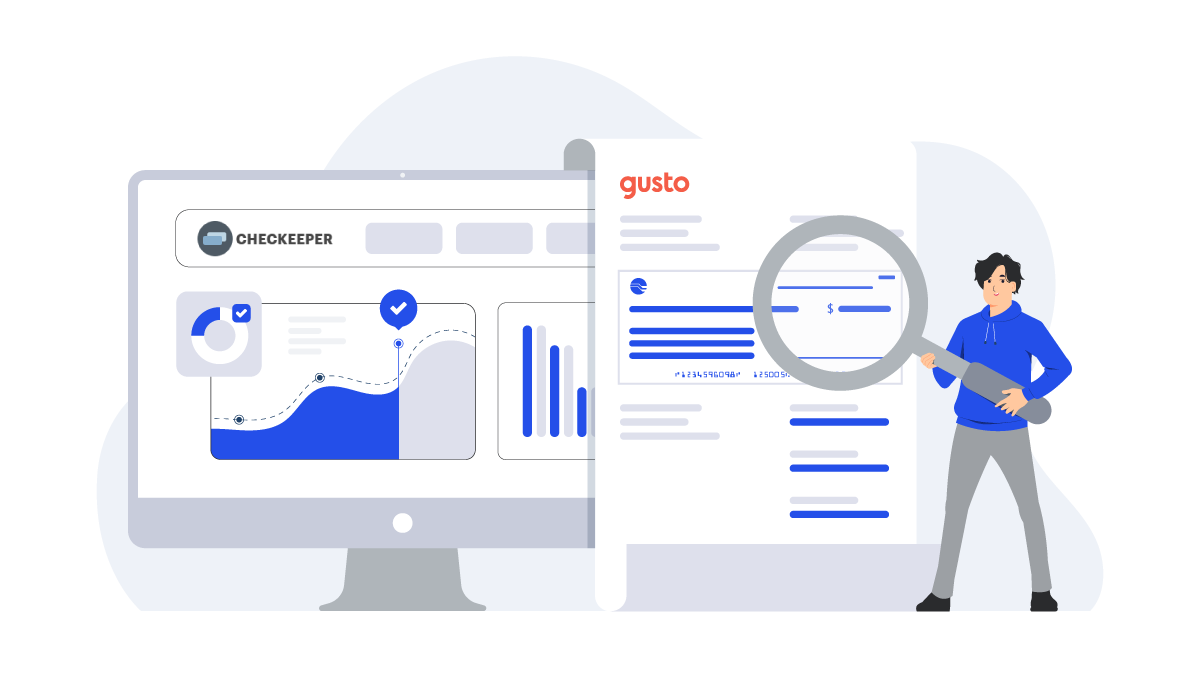
Checkeeper offers lots of great features for printing and mailing customized business checks on demand, including some features you may have never tried. Checkeeper works with Gusto, one of the most widely-used payroll and HR software among small business owners, to offer customized paychecks for those employees who are paid by paper check.
How do I connect Checkeeper with Gusto?
Go to the Add-ons section inside your Checkeeper account for a menu of available add-ons from which to choose.
Click ‘Add Gusto’ to be taken to the Gusto login.
Follow the steps inside Gusto to authenticate Checkeeper.
Once redirected back to Checkeeper, find the pre-built Gusto template to make the necessary modifications and to add bank account and routing numbers.
Add the ‘pay stub’ element if you want pay stubs included with checks.
What are the benefits of using the Gusto add-on?
Custom printed checks for employees
Checkeeper offers a custom paycheck option to Gusto users. Checkeeper offers a pre-built Gusto template as well as the option to modify or reformat the check layout to suit your needs. Import your checks for any pay period and print them when needed.
Automatically recorded data
Connecting Checkeeper to compatible software services allows data to be synced and updated across multiple platforms simultaneously. All checks created are automatically recorded and stored in an online registry for later reviewing or verifying. The Checkeeper registry can be searched according to any check field, and users can run comprehensive reports according to any time frame.
Enhanced efficiency and accuracy
Checkeeper works with Gusto (and other widely-used payroll applications for businesses) in order to offer a custom check option to the selection of other payment methods. Software tools that work together to sync data and provide real-time updates reduce errors caused by having to manually enter data in multiple places; they also add efficiency by reducing the amount of time required for payments and bookkeeping.
Check mailing options
Checkeeper offers on-demand, custom business checks for busy professionals and business owners; it also offers complete check printing and mailing outsourcing options for payroll and other check printing needs. Import your file of checks to be printed, and Checkeeper can print them for you and have them in the mail by the end of the typical business day. If the checks are for payroll, they can each be mailed individually to the designated address, or they can be printed in a single batch and mailed back to your office in one low-cost bundle for onsite disbursement. Batch printing and mailing offers the most economical and most efficient way to get a complete order of payroll checks printed and back in your hands quickly.
Where can I learn more about Checkeeper Add-ons?
Checkeeper connects to several widely-used accounting and payroll software services for businesses. Inside the Checkeeper account, the Add-ons section lists the compatible applications that you can link to Checkeeper in order to offer a custom check solution. The Pro Tips section, inside the Help tab in your Checkeeper account also gives short, detailed walkthroughs on how to use many of Checkeeper’s most popular features. Need more guidance? Checkeeper’s online chat offers prompt customer support to answer questions about connecting Checkeeper to other services, and online videos can walk new users through some of the more advanced features Checkeeper offers.