Checkeeper Account Feature: Import Checks
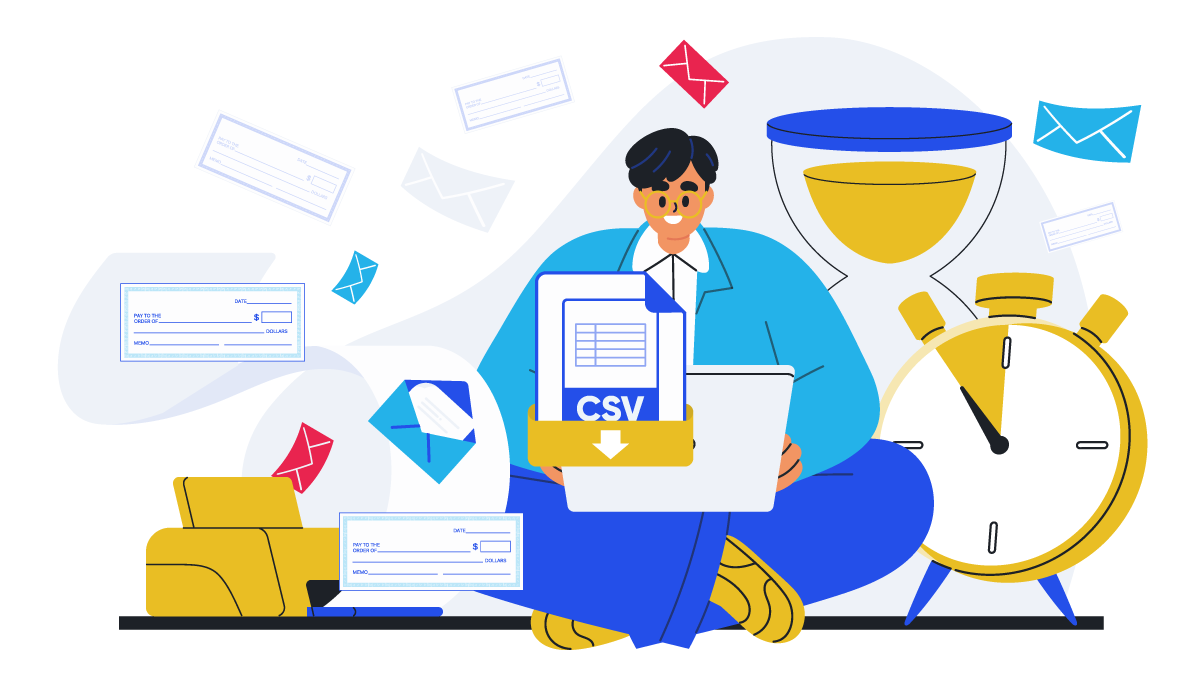
Checkeeper offers lots of great features for printing and mailing customized business checks on demand, including some features you may have never tried. Checkeeper offers users the option of importing checks directly into the account for faster payment generating and more accurate bookkeeping.
How do I import checks into Checkeeper?
Log in to your Checkeeper account.
Along the left-hand navigation bar, select the plus icon (at the top) used to create checks.
Select ‘Import Checks.’
Select the CSV file on your computer you want to import.
Upload your file.
Match the column headings to the correct check field.
What are the benefits of importing checks directly into Checkeeper?
Save time and improve accuracy with quick uploading
Inputting each check manually takes a lot of time when you have multiple vendors and suppliers to pay at once. Checkeeper allows instant importing that allows the software to generate checks automatically and greatly reduces the opportunity for data entry errors.
Process large orders more efficiently
Process a large check order more accurately and efficiently by importing your file directly into Checkeeper to have checks generated quickly and automatically. To save even more time, order your checks printed and mailed by Checkeeper, and no additional time or supplies are needed from you at all.
Print payroll checks in one batch
Import your payroll file with employee payment data to have your entire batch of paychecks printed when you need them. Checkeeper offers payroll outsourcing for printed checks, as well, so that you can order your entire batch of paychecks to be printed at the Checkeeper fulfillment center and mailed back to your office overnight in one economical bundle. Paychecks can be printed with pay stubs and other documentation. Checkeeper integrates with the most widely-used payroll software, such as Gusto and Square, for those users who want the data synced and updated automatically.
Convert bills into check payments
Pay your bills faster and more accurately by taking advantage of Checkeeper’s bill-to-check conversion options. If you have unpaid invoices in an Odoo or Xero account, link your account to Checkeeper to have data from unpaid bills converted directly into check payments. Import your invoices, and Checkeeper will generate a check payment to each vendor with the necessary check fields automatically populated with the relevant payment information. Multiple payments to the same vendor can be consolidated into a single check payment with an attached invoice table that breaks down the total.
Checkeeper provides all the supplies for check printing and mailing
When you need a lot of checks to be issued and mailed promptly, Checkeeper can take all the work off your desk. Import your check file for fast processing, and then update your mailing credits and mail settings to order the entire batch of checks printed and mailed for you. Checks can be sent back to you directly if you have onsite disbursement, or they can be mailed to each individual address listed on each check: your choice. Choose your priority delivery speed, and have Checkeeper do the rest. Checkeeper provides all the printing and mailing supplies needed so that you don’t have to purchase or stock anything in order to have your entire file of business checks printed and mailed for you.
Importing check data saves time and improves efficiency
Importing a check file is simple to do inside Checkeeper’s easily-navigated site. Need more help? Visit Pro Tips inside the Checkeeper account to get a visual demonstration of this feature, as well as many other ones that streamline and simplify online check printing and mailing. Pro Tips offers two useful demonstrations for this feature: Import Checks and Match Headings. They show you quickly how to do each step so that your imported batch of checks are ready to print.